

This is how it looks on your page
Connect your Shopify store to JetLinkt and show selected products right on your page. Visitors tap a product and buy as usual in your store's checkout.
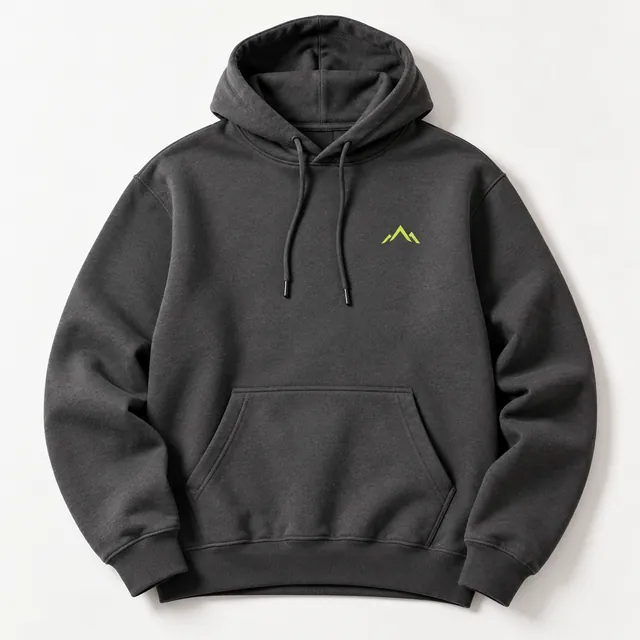 Hoodie€49
 Poster€24
 Mug€18
 Tote bag€15
How to set it up
- Open My page and click Add.
- Choose Shopify and enter your store's address.
- Confirm the connection in Shopify.
- Choose the products you want to show on your page.
It works the same way in the JetLinkt app for iPhone and Android.
Good to know
- Purchases happen in your Shopify store. JetLinkt takes no commission.
- JetLinkt only reads your products. Orders and customer data stay with Shopify.